
Ephoto Dam for Canva
Simplify Access to Your Media Assets.
The Ephoto Dam connector allows Canva users to easily integrate the media assets provided by their organization's DAM, Ephoto Dam.
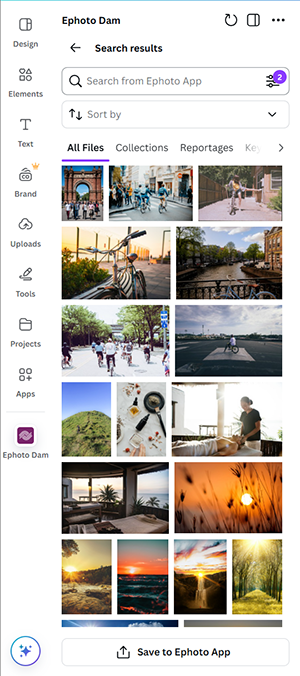
Application Capabilities
- Search for media assets in Ephoto Dam
- Import assets into your graphic designs
- Export finalized graphic designs in PDF format to Ephoto Dam
Prerequisites
To use the Ephoto Dam connector on Canva, you must have an account on your organization's Ephoto Dam and a Canva account.
Usage
After installing the application from the Apps Marketplace, access the app by clicking on the Ephoto Dam icon.
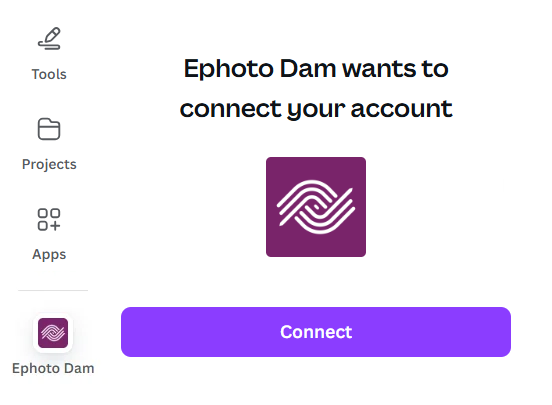
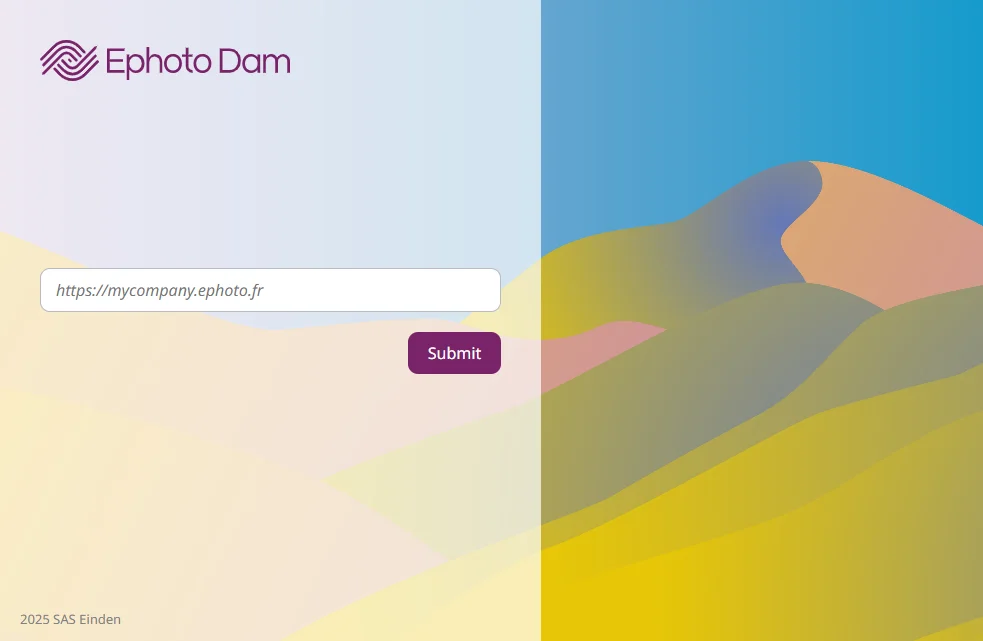
Click on Sign in to open the authentication window. Enter your Ephoto Dam URL.
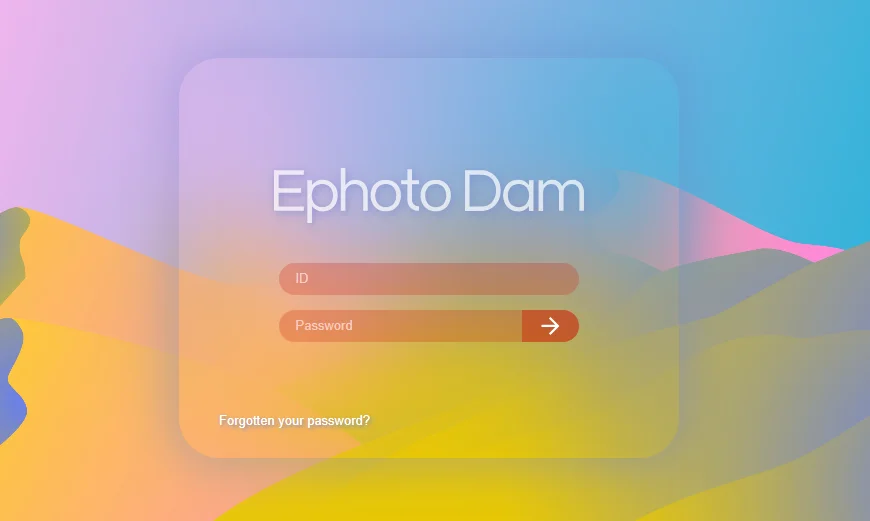
Then you must enter your credentials:
The application is now configured!
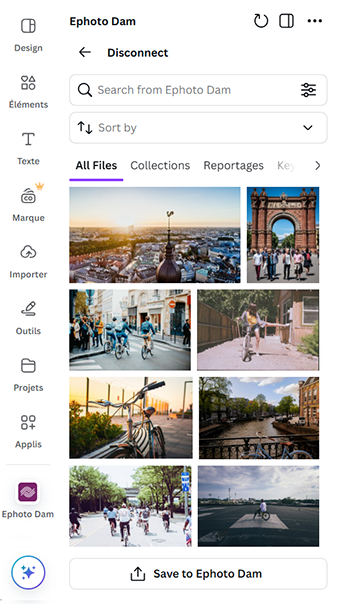
Application overview
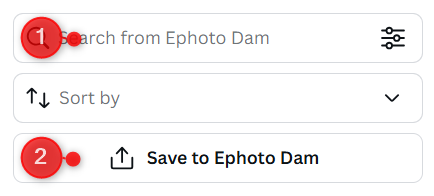
- Perform a full-text search
- Upload your graphic design to Ephoto Dam
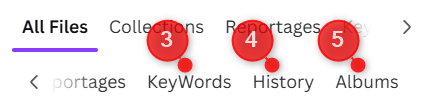
- Access the keywords tree
- View your search history
- Browse your albums
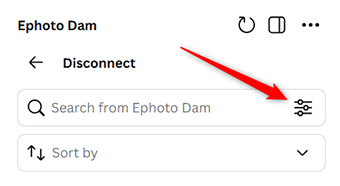
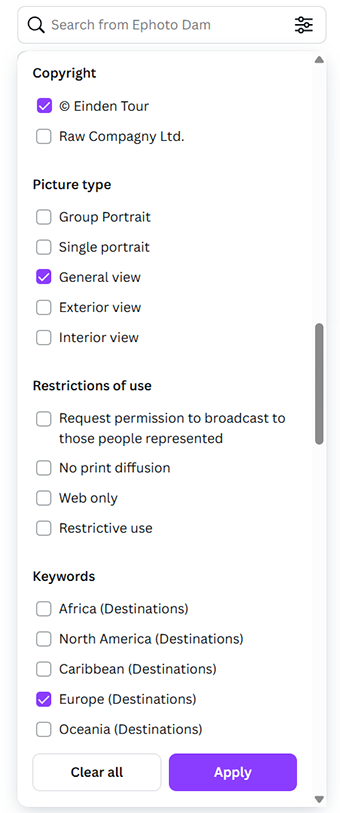
After performing a search, you can filter the results just like in Ephoto Dam.
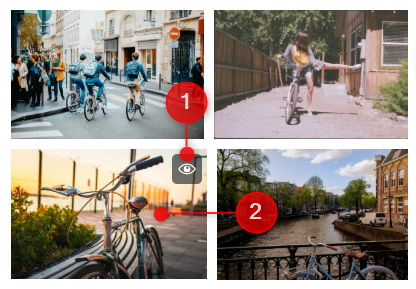
From the results grid, you can either click on the "view" icon (1) to display the detailed page of the asset or click on the thumbnail (2) to add the asset to your design.
Detailed Asset View:
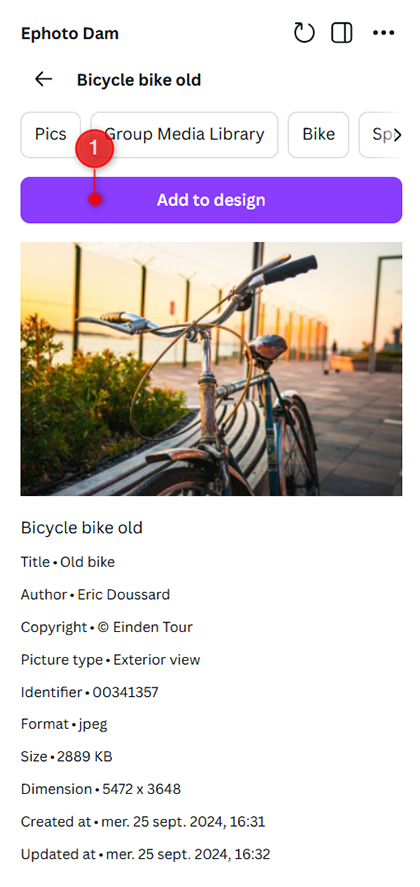
- The “Add to design” button allows you to import the asset into your design.